NFC + QR feedback products for local businesses

Know what your customers experienced before they walk out the door.

TapRemark helps businesses collect private customer feedback or send customers straight to their Google review page with a simple tap.

No app. No login. Just tap and share.

Customers don't always tell management when something goes wrong.

Most customers will not stop to complain — and just as few stop to say what went well. They pay, they leave, and management never hears either one.

  • Slow service
  • Service mistakes or unclear information
  • Poor customer interactions
  • Cleanliness concerns
  • Great employees who deserve recognition

TapRemark gives customers a simple way to reach the owner or management team while the experience is still fresh — the problems and the praise.

How it works

Three steps. No app, no login, no training.

  1. Place your TapRemark product

    Put your customized TapRemark card or Google Review Stand where customers can easily see and reach it.

  2. Customers tap or scan

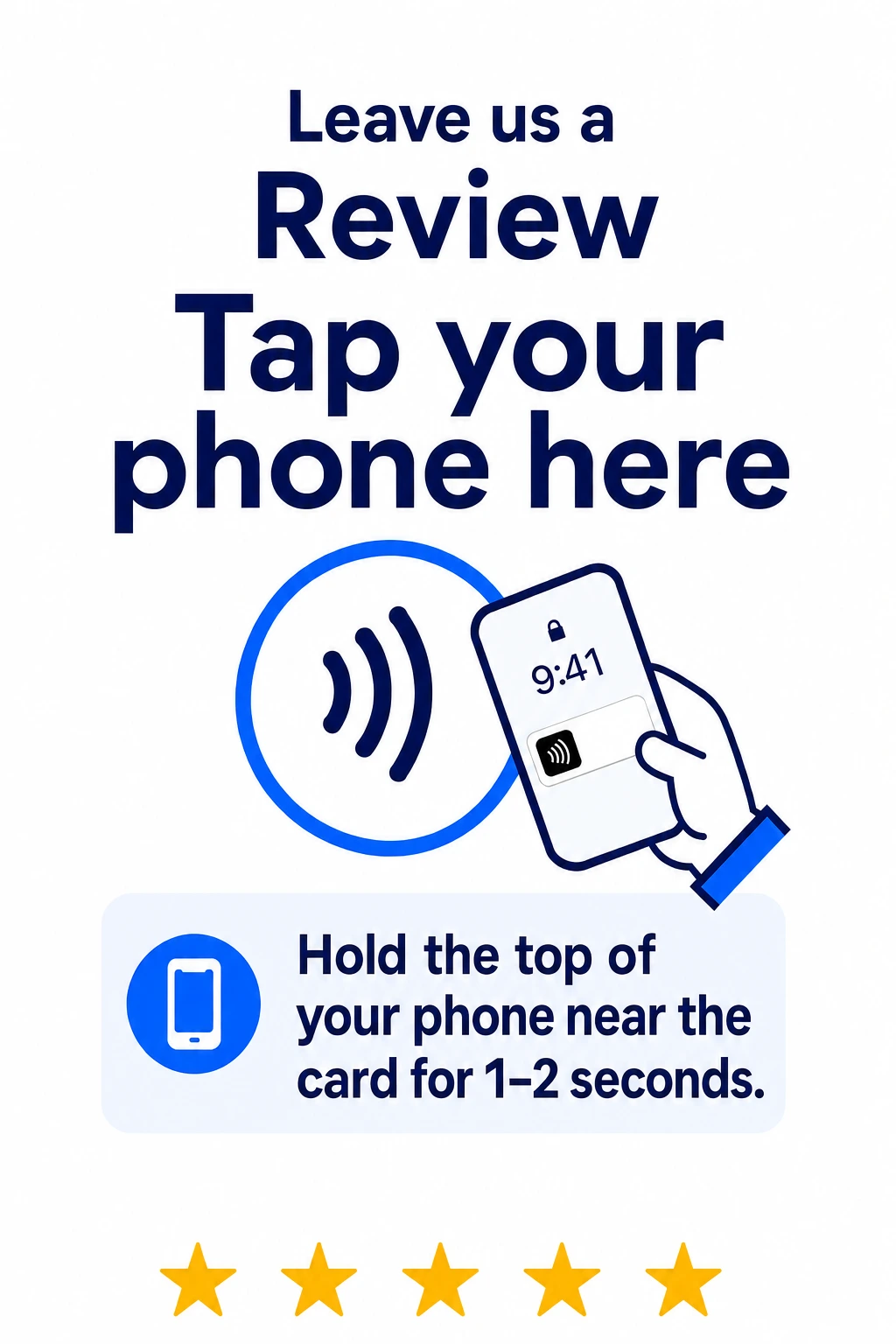
    They hold their phone near the NFC area, or scan the QR code. No app, no account, no login.

  3. The right page opens

    Depending on the product: your private feedback page, which goes only to your business, or your Google review page.

See what's happening across your business.

The Private Feedback System is more than a card. Feedback arrives organized in a managed TapRemark management system — set up, configured, and kept up to date for you.

  • Catch problems sooner
  • Recognize great employees
  • Spot repeated issues
  • Keep track of requested follow-ups
TapRemark management system Demo preview

Sample data — not a live restaurant dashboard.

Dashboard

Sample period — last 30 days

  • Total feedback 128
  • Average private rating 4.3/5
  • Something Went Well 86
  • Complaints 14
  • Open follow-ups 3

Most mentioned this period

Service39
Wait time31
Food quality22
Cleanliness15

Latest feedback

  • Something Went Well

    "Our server checked on us without hovering."

  • Complaint

    "Waited 20 minutes past our reservation time."

  • Suggestion

    "Put the specials on the table, not just the board."

Feedback

  • TypeSomething Went Well Rating★★★★★ Feedback"Our server checked on us without hovering. Great pacing." EmployeeJordan S. — Server Follow-upNot requested
  • TypeComplaint Rating★★★★★ Feedback"Waited 20 minutes past our reservation time with no update." EmployeeNot selected Follow-upRequested
  • TypeSuggestion Rating★★★★ Feedback"Put the specials on the table, not just the board by the door." EmployeeNot selected Follow-upNot requested
  • TypeComplaint Rating★★★★★ Feedback"Our order came out wrong and it took a while to sort out." EmployeeAlex M. — Server Follow-upIn progress
  • TypeSomething Went Well Rating★★★★★ Feedback"The bartender's recommendation was perfect. We'll be back." EmployeePriya R. — Bartender Follow-upNot requested

Employees

Employees come from your own staff list, so mentions stay grouped under one name.

  • EmployeeJordan S. — Server Mentions24 Avg. rating4.7 Went well19 Suggestions3 Complaints2
  • EmployeePriya R. — Bartender Mentions15 Avg. rating4.8 Went well13 Suggestions2 Complaints0
  • EmployeeAlex M. — Server Mentions18 Avg. rating4.1 Went well11 Suggestions3 Complaints4
  • EmployeeSam T. — Host Mentions9 Avg. rating4.0 Went well5 Suggestions3 Complaints1

Follow-Ups

Only customers who asked to be contacted appear here.

  • RequestManager callback — reservation wait Feedback typeComplaint ReceivedToday StatusNew
  • RequestManager callback — order accuracy Feedback typeComplaint ReceivedYesterday StatusIn progress
  • RequestEmail reply — private event enquiry Feedback typeSuggestion Received3 days ago StatusContacted
  • RequestManager callback — noise at the bar Feedback typeComplaint ReceivedLast week StatusResolved
Demo preview of the TapRemark management system, drawn with invented sample data. Not a live dashboard, not a real restaurant, and not a claim about results.

Choose the TapRemark setup that fits your business.

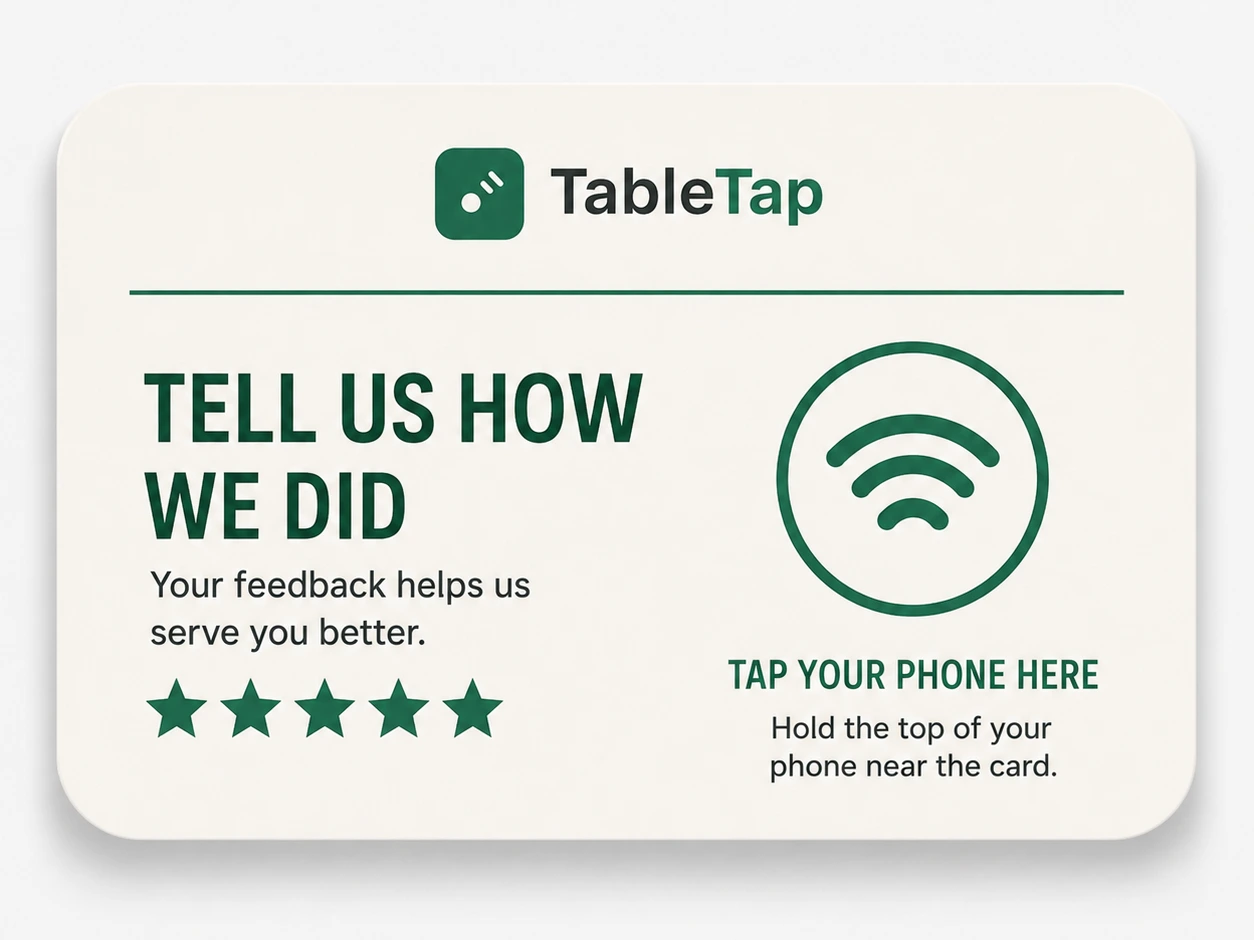
Card + NFC software

Private Feedback System

A customized TapRemark card that opens your private feedback page — plus the managed system that organizes what comes in. Built for restaurants and cafés.

  • Customized TapRemark feedback card
  • NFC tap, with QR-code backup
  • Branded private feedback page
  • Something Went Well, Suggestion, Complaint, Other
  • Employee selection from your own staff list, when configured
  • Optional manager follow-up requests
  • Managed feedback dashboard and ongoing updates
  • Setup, programming, and testing
Request a Private Feedback Setup

Acrylic stand

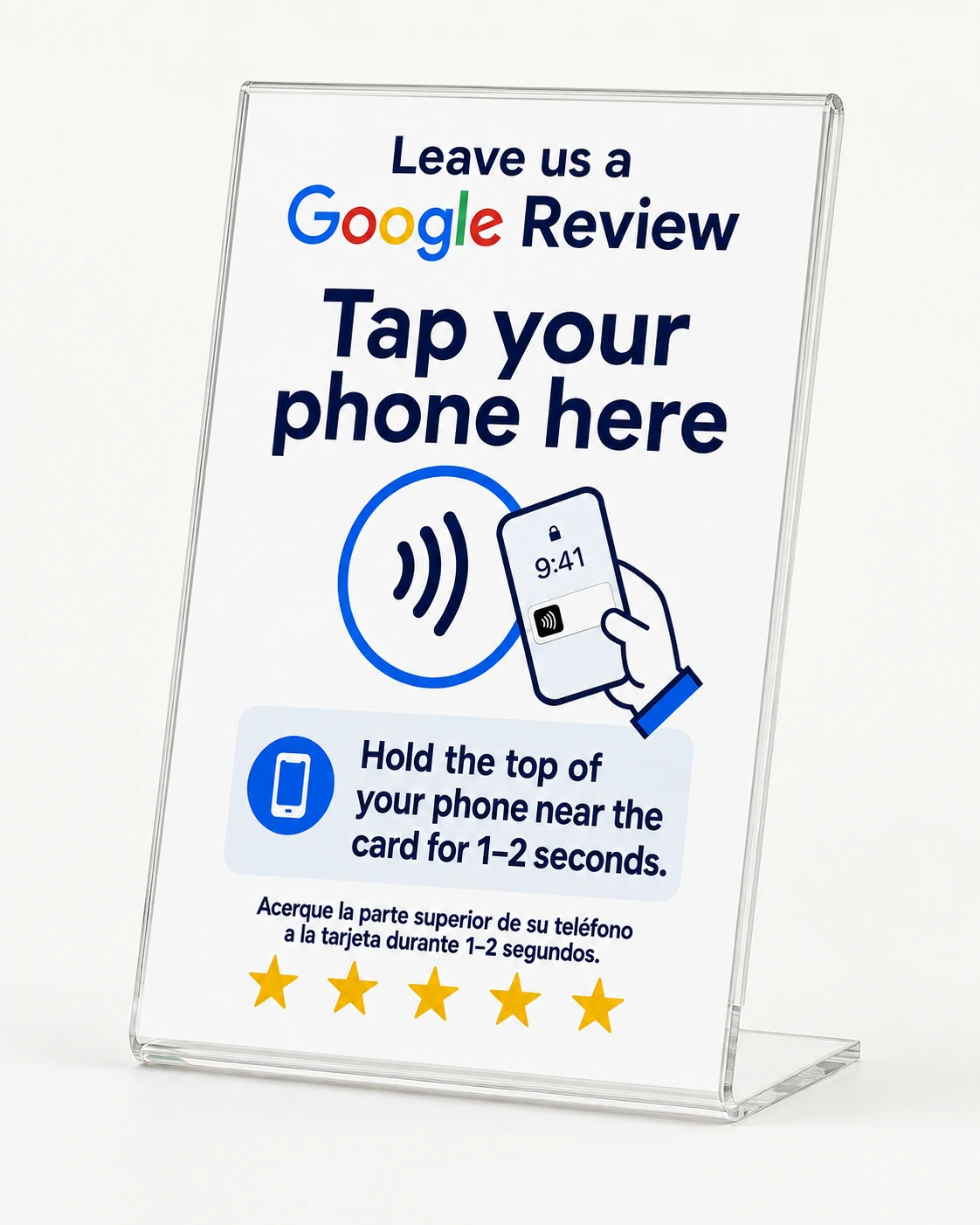
Clear acrylic Google Review Stand reading 'Leave us a Google Review — tap your phone here', with an NFC tap circle, phone illustration, hold-your-phone instructions in English and Spanish, and five stars

Google Review Stand

A customized acrylic stand that takes customers directly to your Google review page. Suitable for a wide range of customer-facing businesses.

  • Customized acrylic stand
  • NFC tap, with QR-code backup
  • Your business logo and branding
  • Direct link to your own Google review page
  • No filtering and no review gating — every customer gets the same link
  • Setup, programming, and testing
Request a Google Review Stand

Final pricing depends on quantity, customization, and setup requirements.

Designed around your business.

Your TapRemark setup should look like it belongs in your business — not like a generic sign.

Your setup

Logo
Brand colors
Card wording "Tell us how we did"
Quantity 3 cards
Feedback page

After ordering, you complete a short setup form, choose your wording and branding, and approve the final design before production.

Built for restaurants — with review products for more.

The two TapRemark products do not cover the same ground, so here is exactly where each one fits today.

Private Feedback System

Restaurants and cafés

  • Restaurants and cafés

The private feedback page, employee list, and management system are built around restaurant service today. Another type of business? Ask — we'll tell you honestly whether it fits yet.

Google Review Stand

Customer-facing businesses of most kinds

  • Restaurants and cafés
  • Salons and barbershops
  • Retail stores
  • Auto businesses
  • Gyms and studios
  • Hotels
  • Medical offices
  • Other customer-facing businesses

The stand links to your own Google review page. It does not filter, gate, or pre-screen anyone.

Common questions

No. Customers tap the NFC area or scan the QR code, and the right page opens in their phone's browser. There is nothing to download and no account to create.

Three things together: a customized TapRemark card that acts as the physical NFC and QR access point, a branded private feedback page built for your restaurant, and a managed management system where the feedback arrives organized — with areas for feedback, employees, requested follow-ups, and trends. TapRemark sets all three up and keeps them updated.

Where the customer lands. The Private Feedback System opens a private feedback page and that feedback stays with your management team. The Google Review Stand opens your own public Google review page directly. They are separate products, and neither one routes a customer based on how happy they are.

Yes. Your logo, business name, colors, and preferred wording are used on the printed card or stand and on your feedback page, so the whole setup looks like it belongs in your business.

Yes, when your restaurant turns it on. Customers choose from your configured staff list rather than typing a name, which avoids misspellings and keeps every mention of the same employee grouped together.

Yes, when your restaurant enables it. Requests are listed together so your team can work through them and mark where each one stands.

They can submit without contact details where your configuration allows it. Contact information is only collected when it is actually needed — for example, when a customer asks a manager to reach out. If a customer chooses to identify themselves, or names themselves in their own words, that information is part of what you receive.

After you approve a package, TapRemark collects your setup details: branding, wording, where the product will sit, your employee roster where it applies, and which feedback options and visit details your page should collect. We build the system, send a design proof where one applies, program and test the NFC and QR, and hand it over ready to use.

TapRemark is a managed system, so normal changes are handled by sending a change request — a new employee on the roster, a different notification email, updated wording, a corrected review link, and similar system updates. Change requests cover ongoing upkeep, not unlimited redesigns; larger reworks are quoted separately.

It depends on your layout and how customers move through your space — tables, the front desk, the bar, the checkout counter. Tell us about your setup and we'll recommend a quantity rather than guessing at one.

Request TapRemark

This is only the first step. We'll contact you to learn about your business and recommend the right setup.

Give your customers a direct line to your business.

Create a TapRemark setup customized for your location, customers, and goals.

Request TapRemark